

silent 1.0, a file previewer for Nautilus on X11
Press Space;
the file is there.
silent shows the file you press Space on at once, in the middle of the screen, with nothing around it. It takes the place of GNOME's sushi on X11, and previews for Nemo, yazi and terminal file managers too.
No border
The window is the file, with no title bar, frame or buttons around it.
Minimal
One line of facts, the info line, there when you move the mouse and gone when you rest.
Blazing fast
Once it runs beside Nautilus, a source file shows in about 5 ms and a PDF in 30 to 45.
Smarter formats
Office files without an office suite, hexdumps, GBK text, and archives you can look into.
No border
Nothing between you and the file
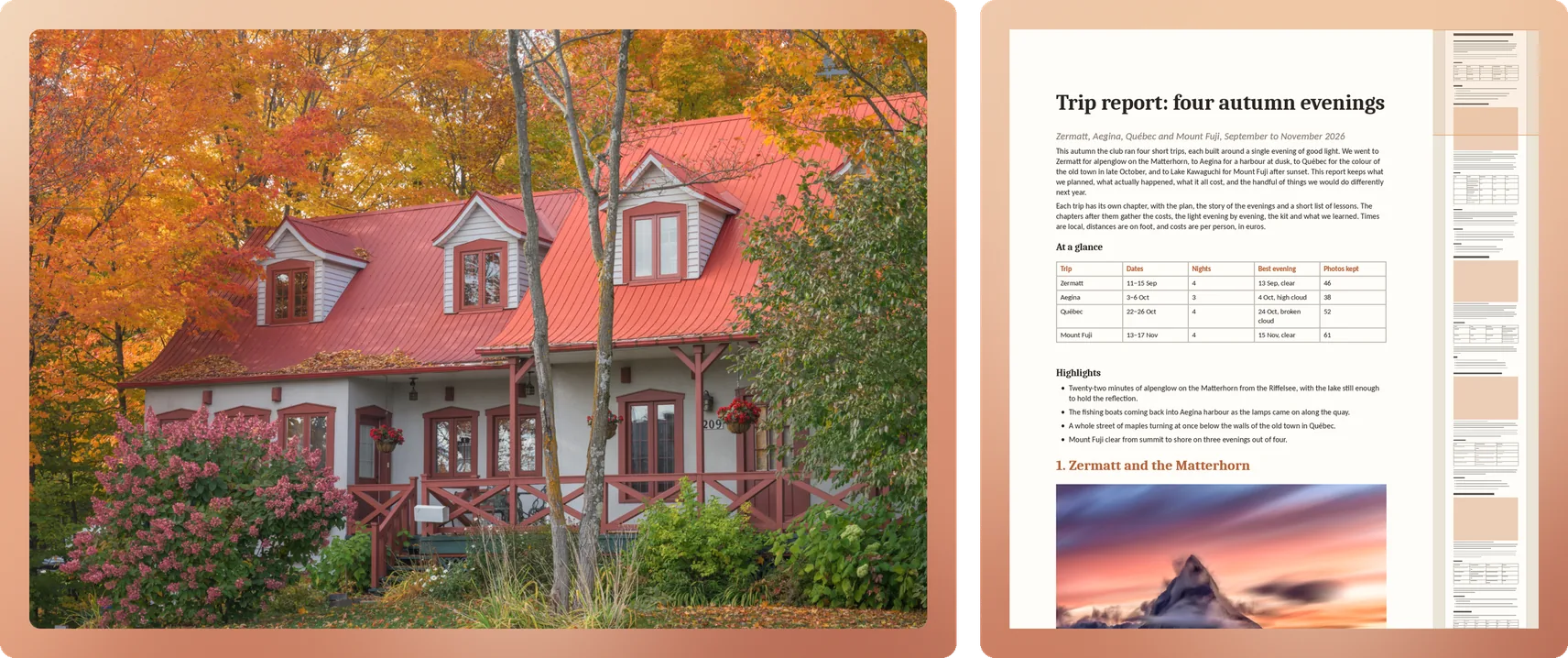
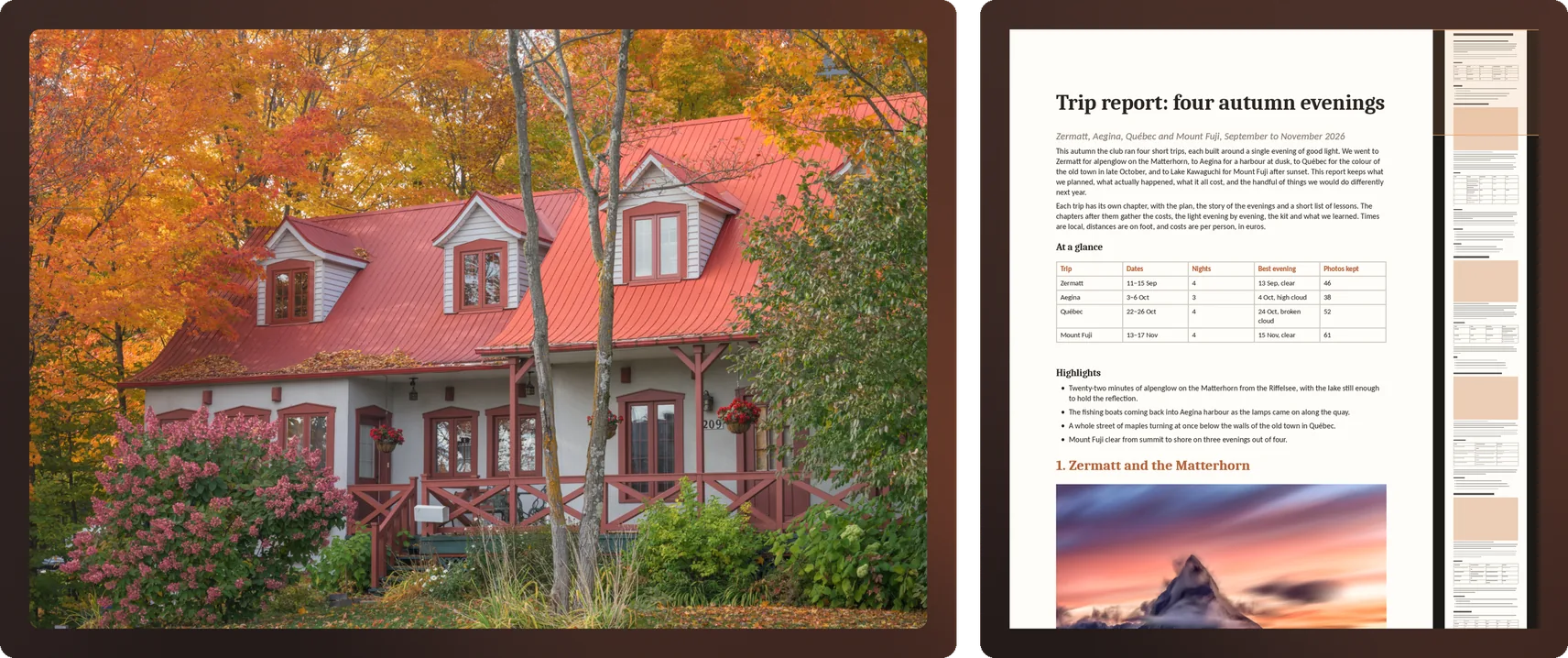
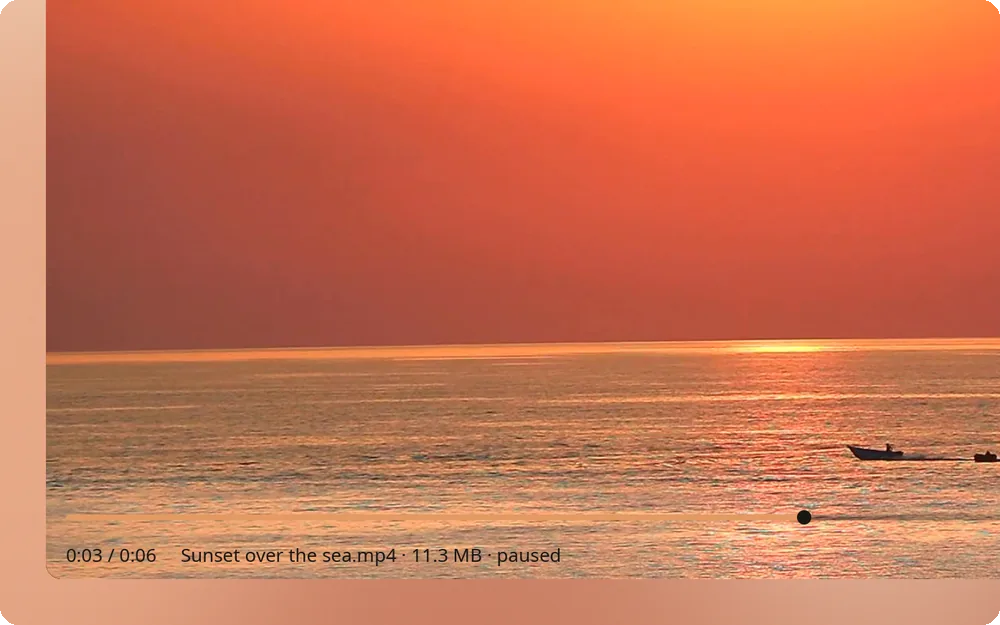
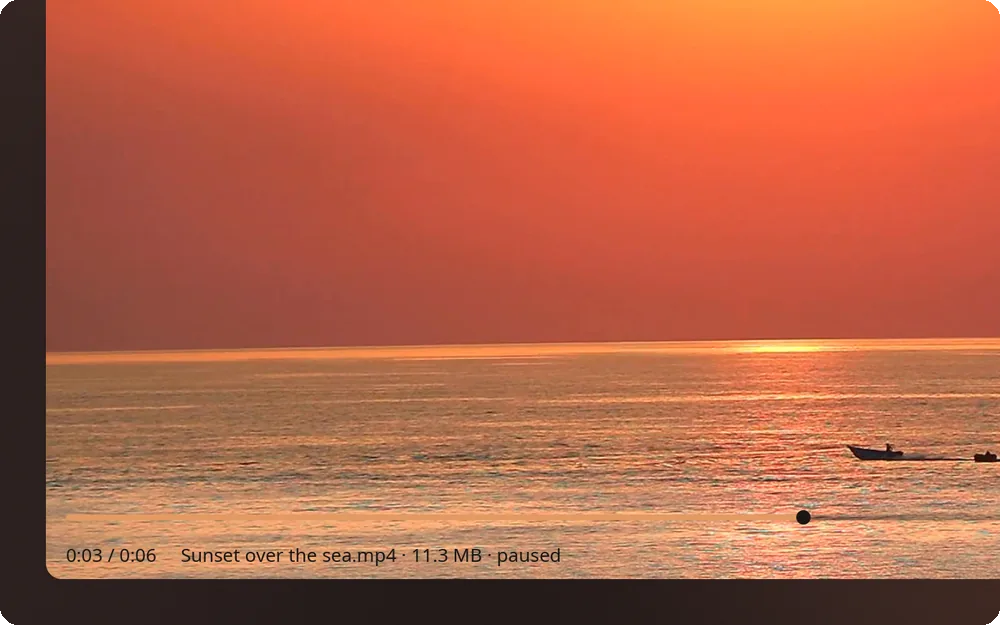
silent works out the window's size from what it shows before the window appears, centres it, and draws nothing else: no title bar, no frame, no buttons. A photo fills it edge to edge, and a PDF arrives with its pages and a rail of thumbnails.
Under a compositor a photo, code or slides get gently rounded corners, while a PDF or a Word document keeps the square corners of paper. The colours follow your desktop's light or dark style, in warm paper tones.
Paper
Papers and books, page by page
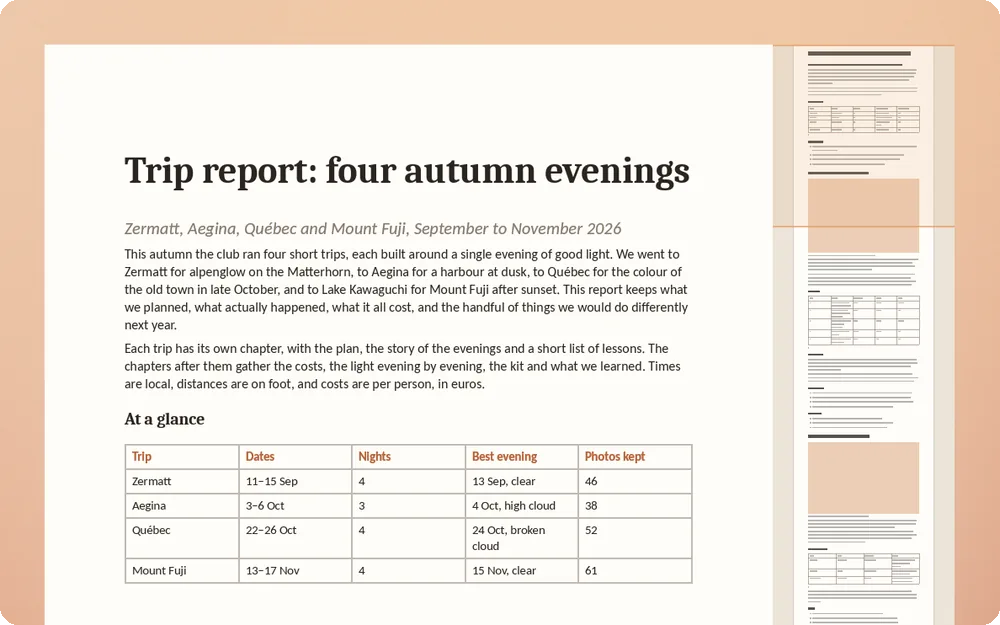
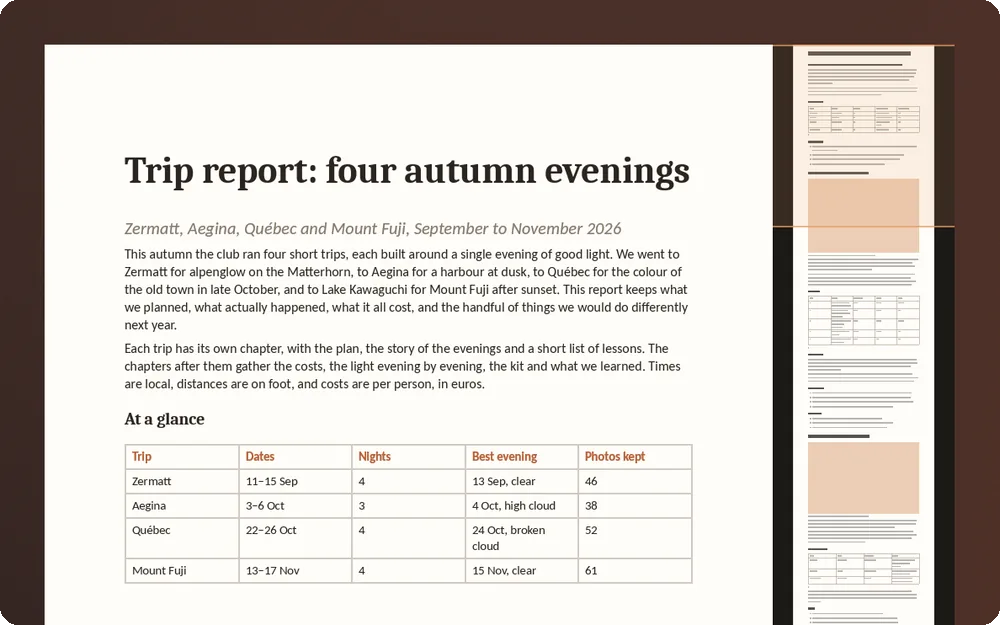
A PDF opens at its first page, in a window shaped by it and square as paper. The pages follow in a scroll, drawn as they come into view, and their thumbnails stay docked at the right, keeping up with where you are.
The wheel scrolls, j and k turn to the next and previous page, as Shift with an arrow does, and a page number and G goes straight to it. A Word document opens the same way, as a column of paper.
Minimal
Facts when you want them
Move the mouse and one line of facts, the info line, fades in over the bottom of the preview: the name, the size, and the dimensions or the length. Rest, and it fades away again. The veil under it is worked out from the pixels it covers, only as dark or as light as the letters need to stay readable.
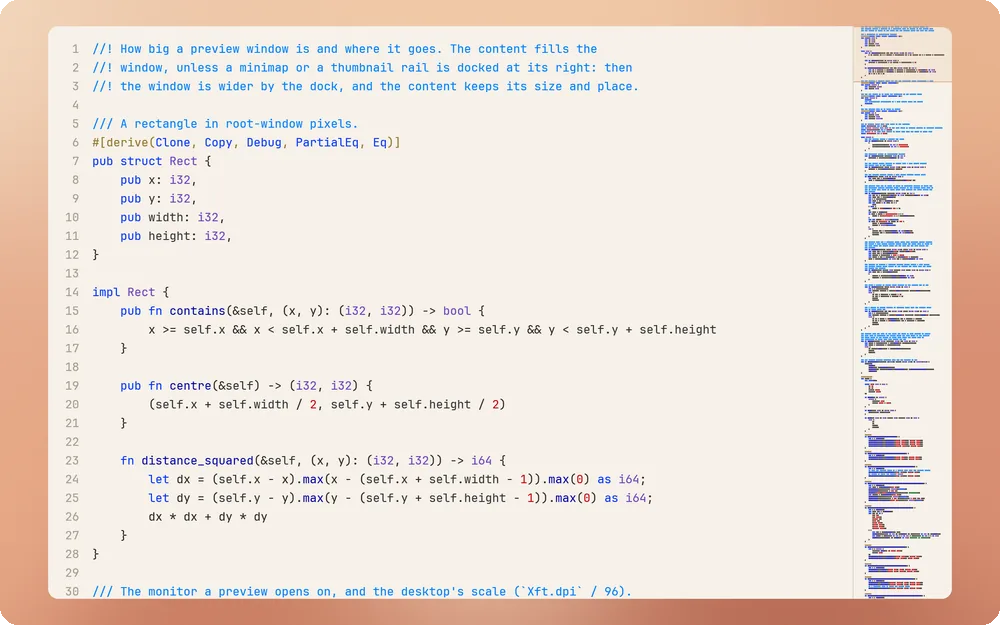
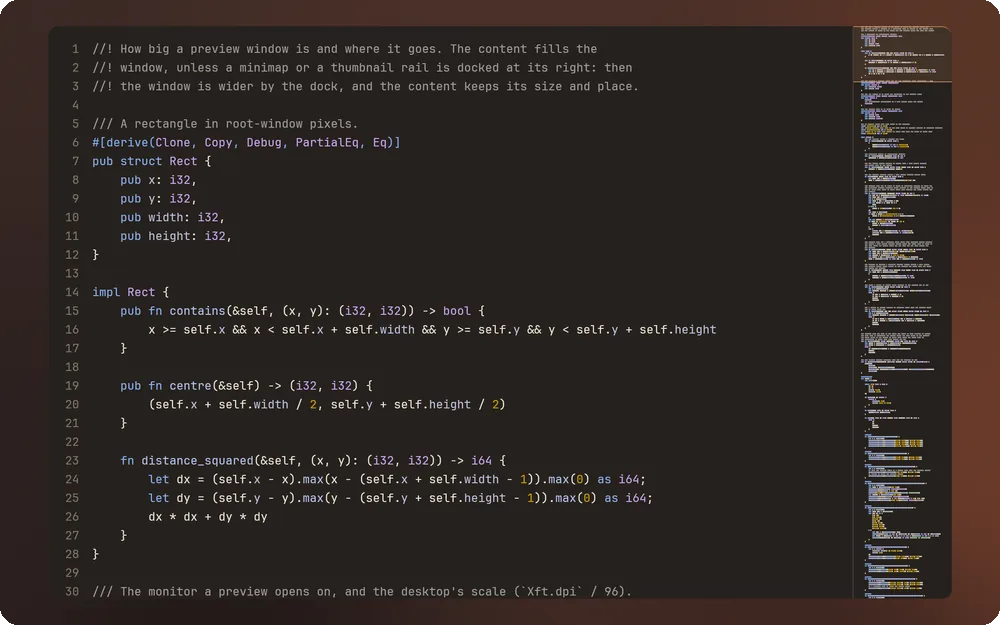
Long text gets a minimap while you scroll, and m keeps it docked beside the text.
Blazing fast
Quick enough to browse with
silent starts with Nautilus and keeps its window and its GPU device ready, so a preview opens at its final size, with the file drawn within a frame or two. Step through a folder with the arrow keys and each file follows, the window growing or shrinking about the same centre.
On 29 October 2026, timed from Nautilus's call to the first frame that shows the file on X11 with an NVIDIA RTX 4070 SUPER, a source file showed in about 5 ms, a PDF in 30 to 45 and a 12-megapixel photo in about 95. Started from nothing, a preview took about 180 ms.
The numbers as a table
| File | silent, warm | sushi, warm | silent, cold | sushi, cold |
|---|---|---|---|---|
| JPEG, 12 MP | 94 | 157 | 187 | 361 |
| PNG, 3840×2160 | 133 | 187 | 193 | 398 |
| Animated GIF | 20 | 22 | 183 | 262 |
| PDF, 3 pages | 45 | 87 | 186 | 284 |
| PDF, 42 pages | 29 | 20 | 180 | 257 |
| Video, 1080p | 138 | 517 | 363 | 657 |
| MP3 with cover | 18 | not measured | 175 | not measured |
| Source file, 9 KB | 5 | 21 | 188 | 240 |
| Text, 2 MB | 21 | 22 | 177 | 248 |
| Zip archive | 6 | 26 | 188 | 243 |
| Folder | 13 | 20 | 172 | 240 |
| Word document | 35 | needs LibreOffice | 208 | needs LibreOffice |
| Spreadsheet | 23 | needs LibreOffice | 175 | needs LibreOffice |
| Presentation | 19 | needs LibreOffice | 182 | needs LibreOffice |
silent 1.0 against GNOME's sushi on 29 October 2026: the median of five runs, in milliseconds, from Nautilus's call to the first frame that shows the file, on X11 with an NVIDIA RTX 4070 SUPER. Started cold, silent is faster on every file; warm, on most of them, with the GIF and the 2 MB text tied and sushi faster on the 42-page PDF.
Smarter, broader format support
It knows what a file is
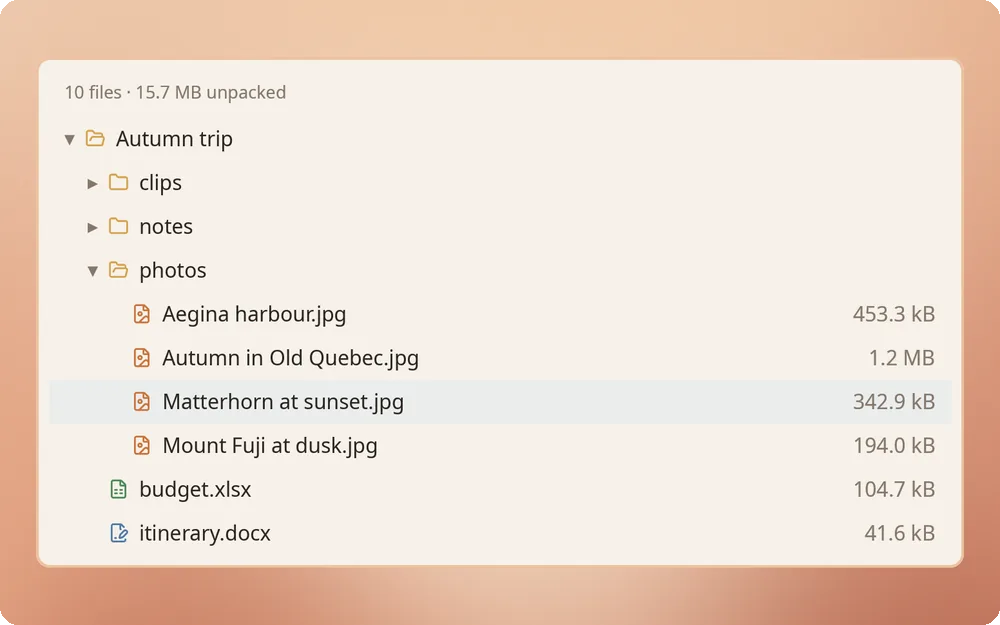
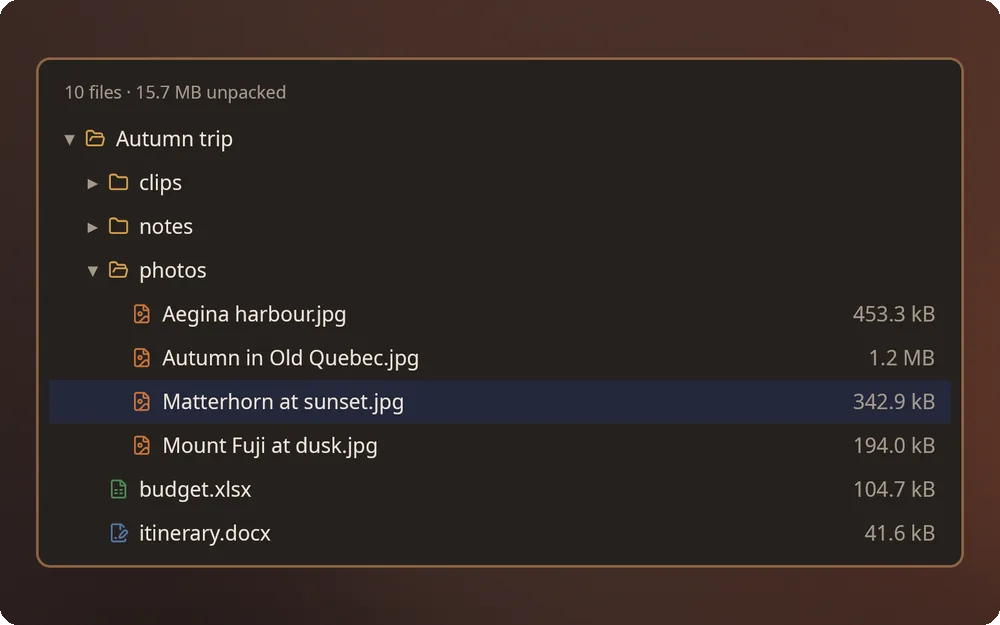
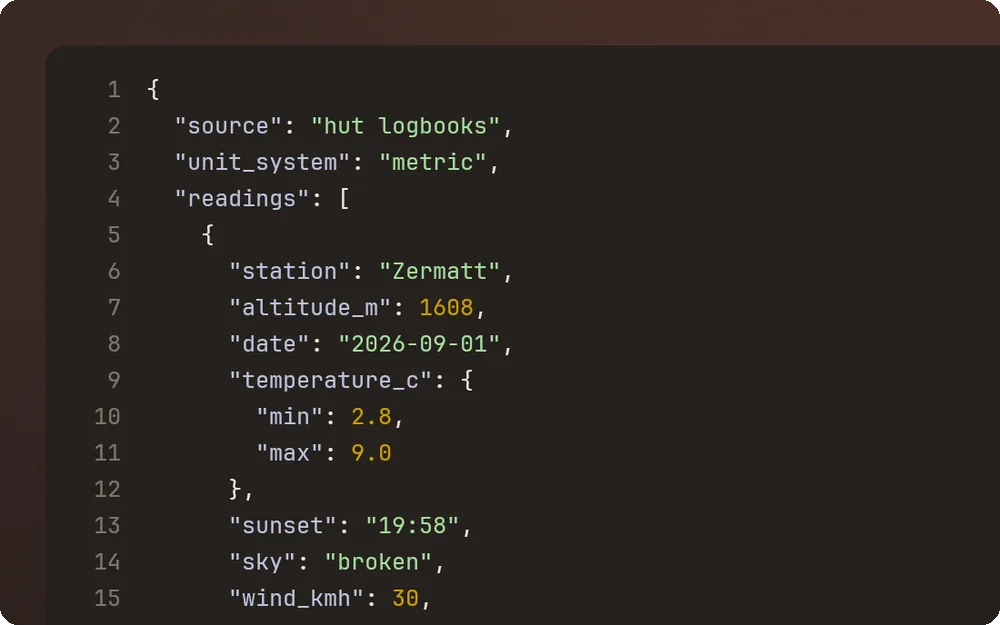
Code comes highlighted with a minimap, archives open as a tree you can preview inside, and Word, Excel and PowerPoint documents open without an office suite. Binaries show as hexdump -C prints them, a gzipped JSON file comes out laid out, Chinese saved in GBK reads right, and Markdown and HTML are rendered with nothing fetched from the network.
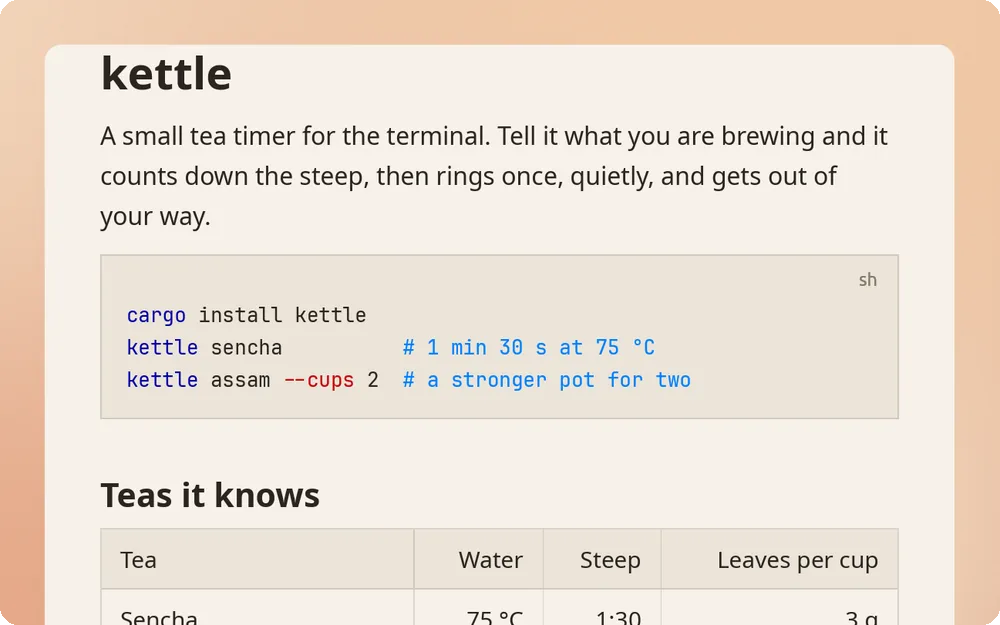
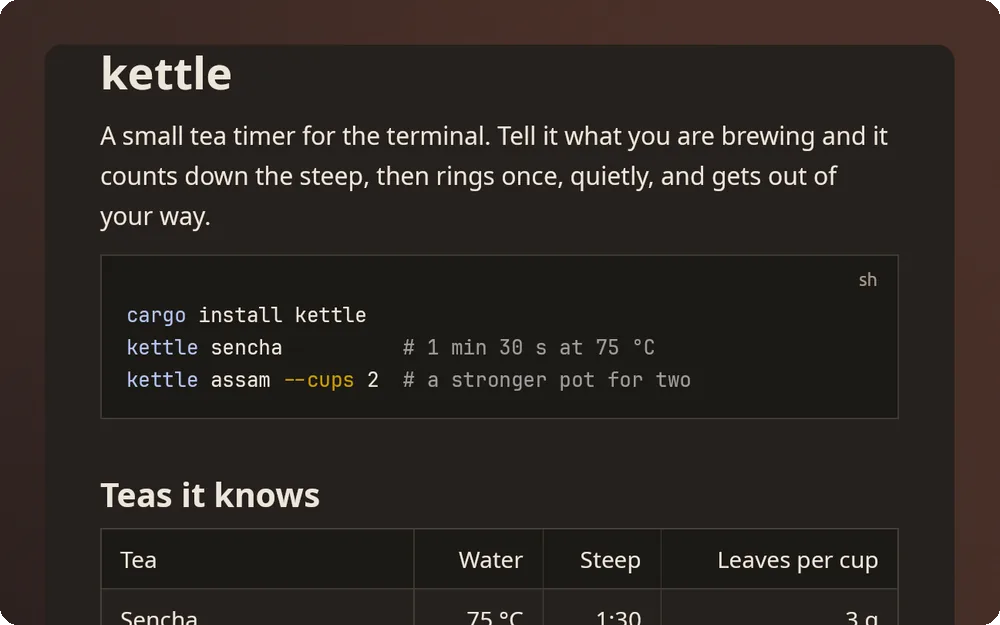
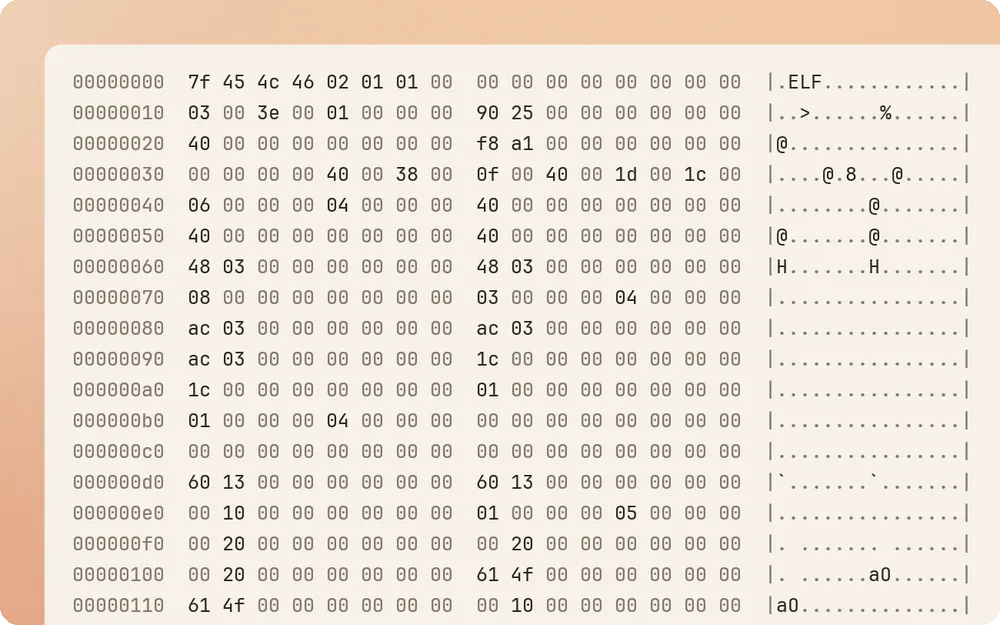
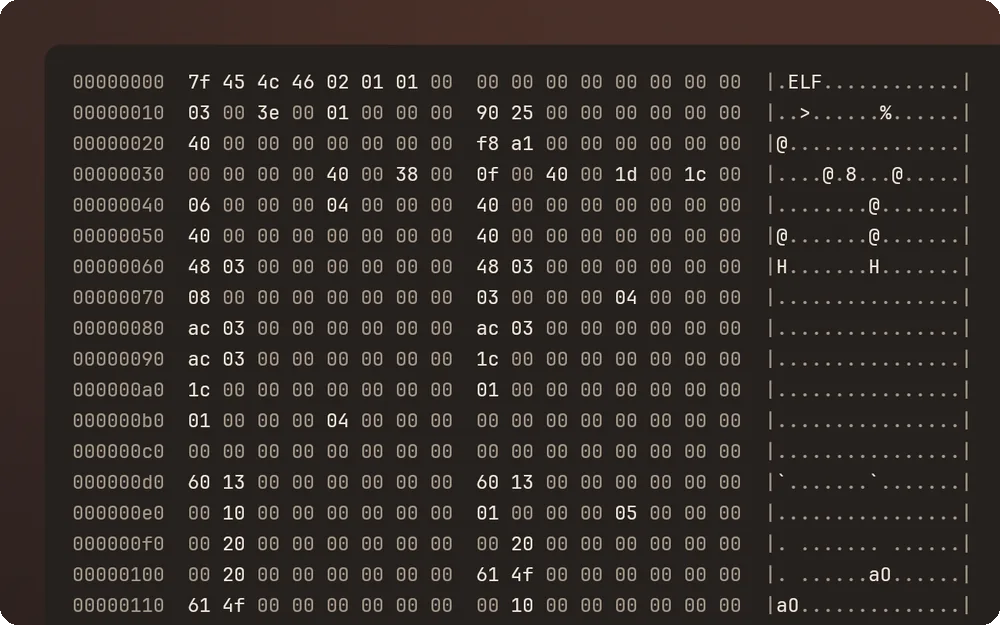
hexdump -C prints them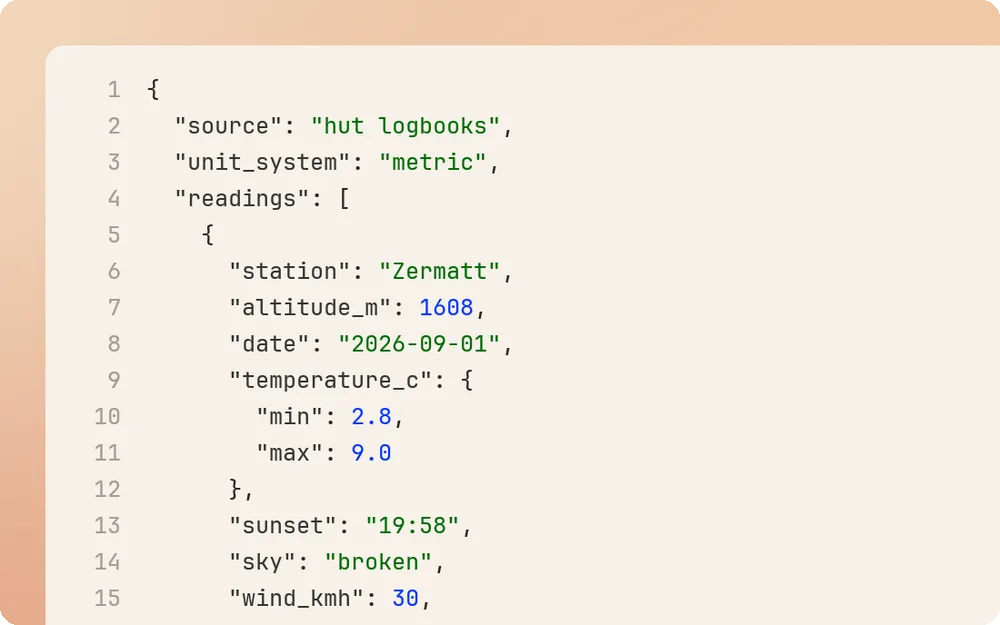


Archives
Look inside archives
An archive opens as a tree, with the size of every entry. Click the tree, and Space on an entry opens it over the archive in the same window; Space again goes back, with your place kept. Archives inside archives work the same way.
Zoom
Zoom that keeps up
Ctrl with + or − zooms PDFs, slides and pictures. Each step shows at once from what is already drawn, and a moment later the part in view is drawn again, sharp.
Resize
The text flows again as you resize
The window has no frame to drag, so resize it with your window manager's own resize: Alt+F8, or Super and the middle mouse button, in GNOME. Text and tables flow again to the new width, and pages and pictures fit it again.
Keys
Press ? for the keys
A card lists the keys for the file in front of you, silent's own first, written the way you type them. Vim's keys move through text, documents and pages, and the arrows keep browsing Nautilus's files.
Your file manager
Nautilus, Nemo, yazi and the rest
Nautilus and Nemo call silent over D-Bus when you press Space. yazi has a small plugin that keeps the preview following its cursor, and any other file manager can run silent show, which hands the file to the previewer that runs beside Nautilus, starting it if need be.
| File manager | How it previews | Tested with |
|---|---|---|
| Nautilus | Space, with nothing to set up | Nautilus 51 |
| Nemo | Space, with silent's preview service | Nemo 6.6 |
| yazi | i, with the plugin; the preview follows the cursor | yazi 26.9 |
| lf | i; the preview follows the cursor | lf 42 |
| ranger | i, with one line in rc.conf | ranger 1.9 |
| nnn | ; then i, with a plugin key | nnn 5.3 |
| Thunar, PCManFM, Dolphin | An action in the context menu | Not tested |
From the terminal
One command, and the file is there
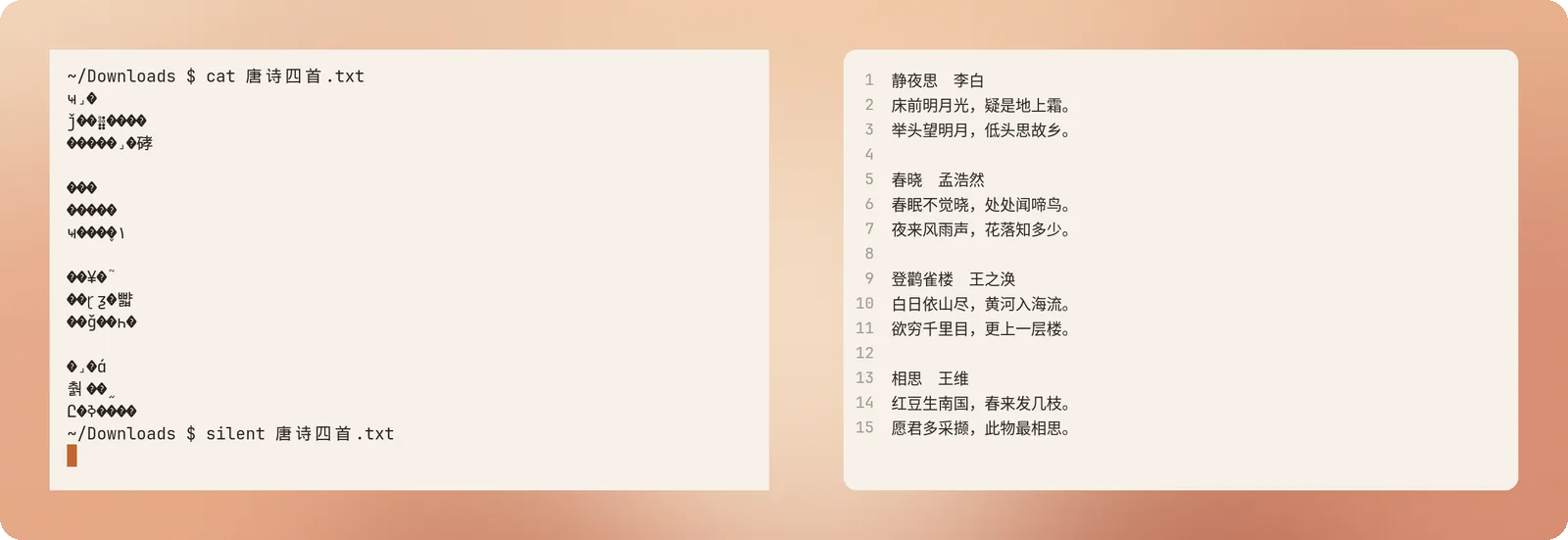
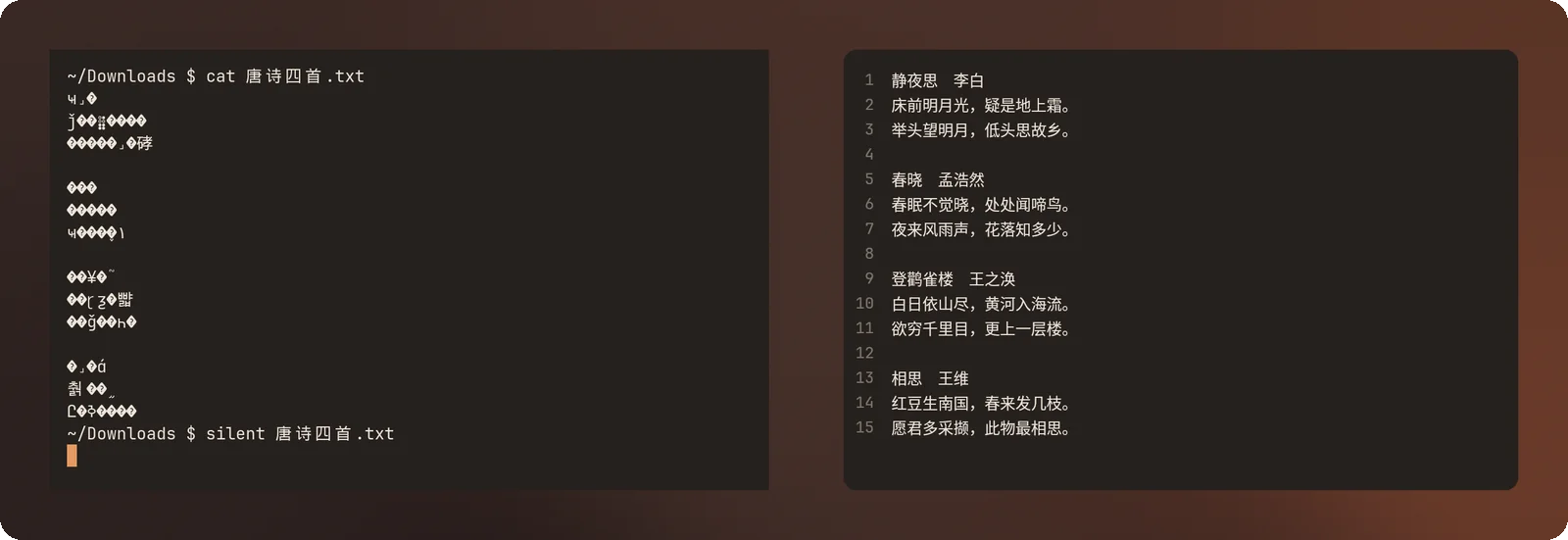
silent FILE previews a file on its own, which helps with whatever a terminal cannot show: a PDF, a photo, or text saved in GBK that cat turns into gibberish.
The other commands talk to the previewer that runs beside Nautilus, starting it if need be, as the file managers do. Each prints whether the preview is shown or closed afterwards, so a script can follow along.
| Command | What it does |
|---|---|
silent FILE | Previews FILE on its own |
silent show FILE | Shows FILE in the resident previewer, starting it if need be |
silent toggle FILE | The same, or closes the preview if it is open |
silent follow FILE | Shows FILE only while the preview is open, as a cursor moves |
silent close | Closes the preview |
silent warm | Starts the previewer ahead of the first preview |
Built with
Rust and GPUI
silent is written in Rust on GPUI, the GPU-accelerated UI toolkit made for the Zed editor, through gpui-kit, and it draws with Vulkan. These are the pieces it stands on.
- wgpu
- Drawing with Vulkan, with the GPU device made before the first window
- Blitz
- HTML pages, laid out with their own CSS
- hayro
- PDF pages, drawn only where they are in view
- glycin
- Pictures other than JPEG and PNG, each format's loader in a sandbox of its own
- GStreamer
- Video and sound, with hardware decoding where it has it
- tree-sitter
- Highlighting for some twenty languages
- calamine and libarchive
- Spreadsheets, and zip, tar, 7z, rar, ISO and more
Install
One command on Arch, one with Nix
silent runs on X11 only for now; it does not run on Wayland.
Arch Linux
paru -S silentThe package replaces sushi and installs the D-Bus services Nautilus and Nemo call, so your next Space starts silent, with no restart. To build what is on main instead, run makepkg -si in a clone's packaging/arch.
Nix
nix profile install github:crazyboycjr/silentIt installs silent with the same D-Bus services; nix build in a clone leaves it in result/. Outside NixOS it reaches your Vulkan driver through nixGL, as the development guide shows.
Other distributions
git clone https://github.com/crazyboycjr/silent
cd silent
cargo build --release
Then point org.gnome.NautilusPreviewer at target/release/silent with a D-Bus service file, as the development guide shows.
It needs:
- a Vulkan driver;
- glycin's image loaders, with bubblewrap;
- GStreamer, for video and sound;
- libarchive;
- the fonts Noto Sans and JetBrains Mono.
A tiling window manager should float silent's windows, whose class is silent. In xmonad: className =? "silent" --> hasBorder False <+> doCenterFloat, with the layout wrapped in smartBorders, or lessBorders with a policy.